
Choose a task
Link the timer to the work you are about to do.
Learn more about choose a task
Start the timer from a task or project. Your work stays linked to the context you chose.
Choose a task, start the timer and take a break. Records stay linked to your work so you can review where your time went.
Request beta access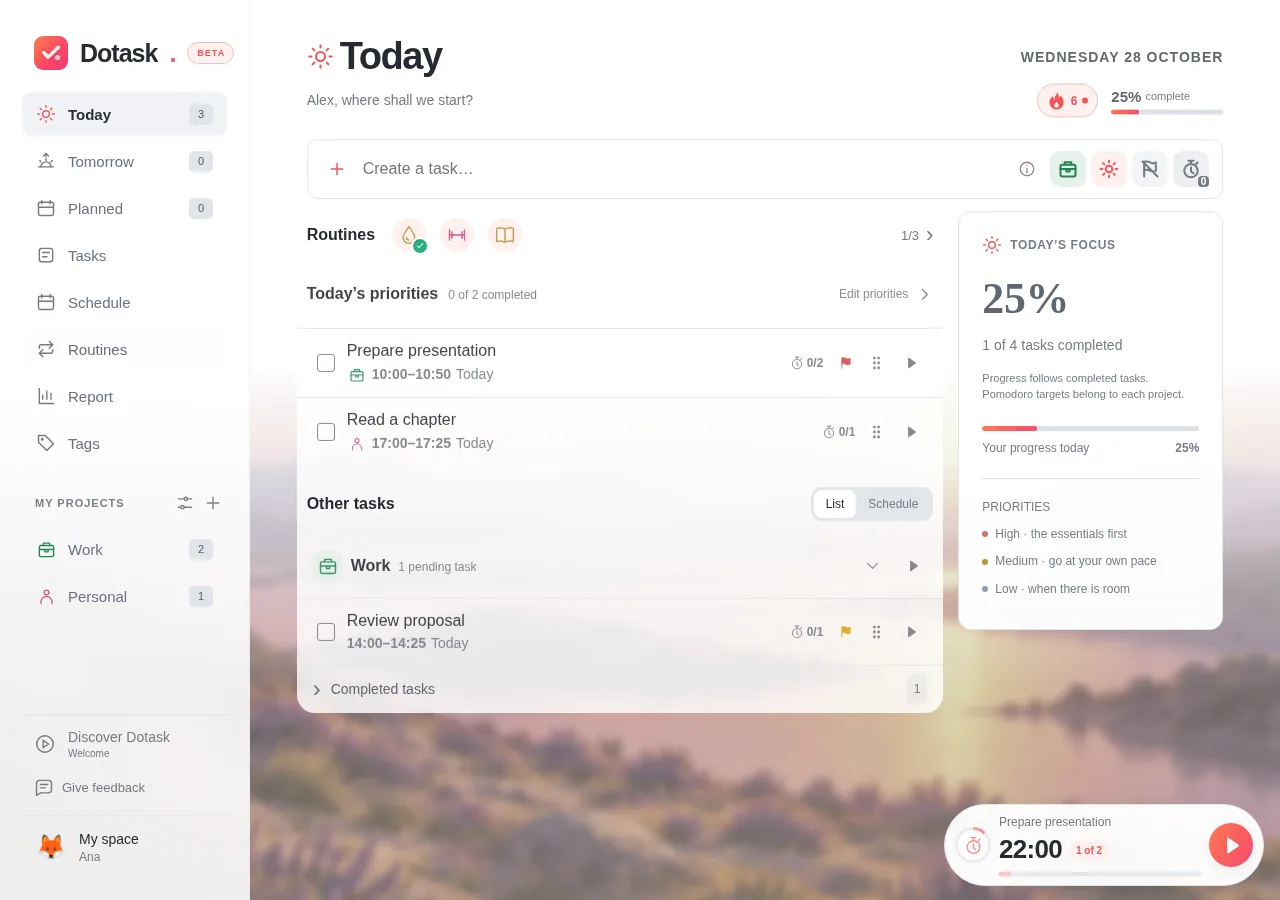
Link the timer to the work you are about to do.
Start the timer from a task or project. Your work stays linked to the context you chose.
Give the activity 25 minutes, then take a short break.
The app’s usual cycle is 25 minutes of focus followed by a short break. Step away from the screen and decide how to continue.
Review completed focus sessions and correct their assignment when needed.
Check completed focus sessions and correct a task assignment when needed. Recorded time still represents the work you completed.
Set a small goal. After the break, decide whether to keep researching or start writing.
Illustrative exampleRequest beta access and start with one task.
Request beta accessAccess by approval. Requesting access does not create an account.