
Separate projects
Keep work, study and personal life organised by context.
Learn more about separate projects
Keep work and personal life in one place, with projects and tags that help you find the context of each task.
Separate projects, give deadlines a date and choose up to three priorities. Your full list remains available whenever you need it.
Request beta access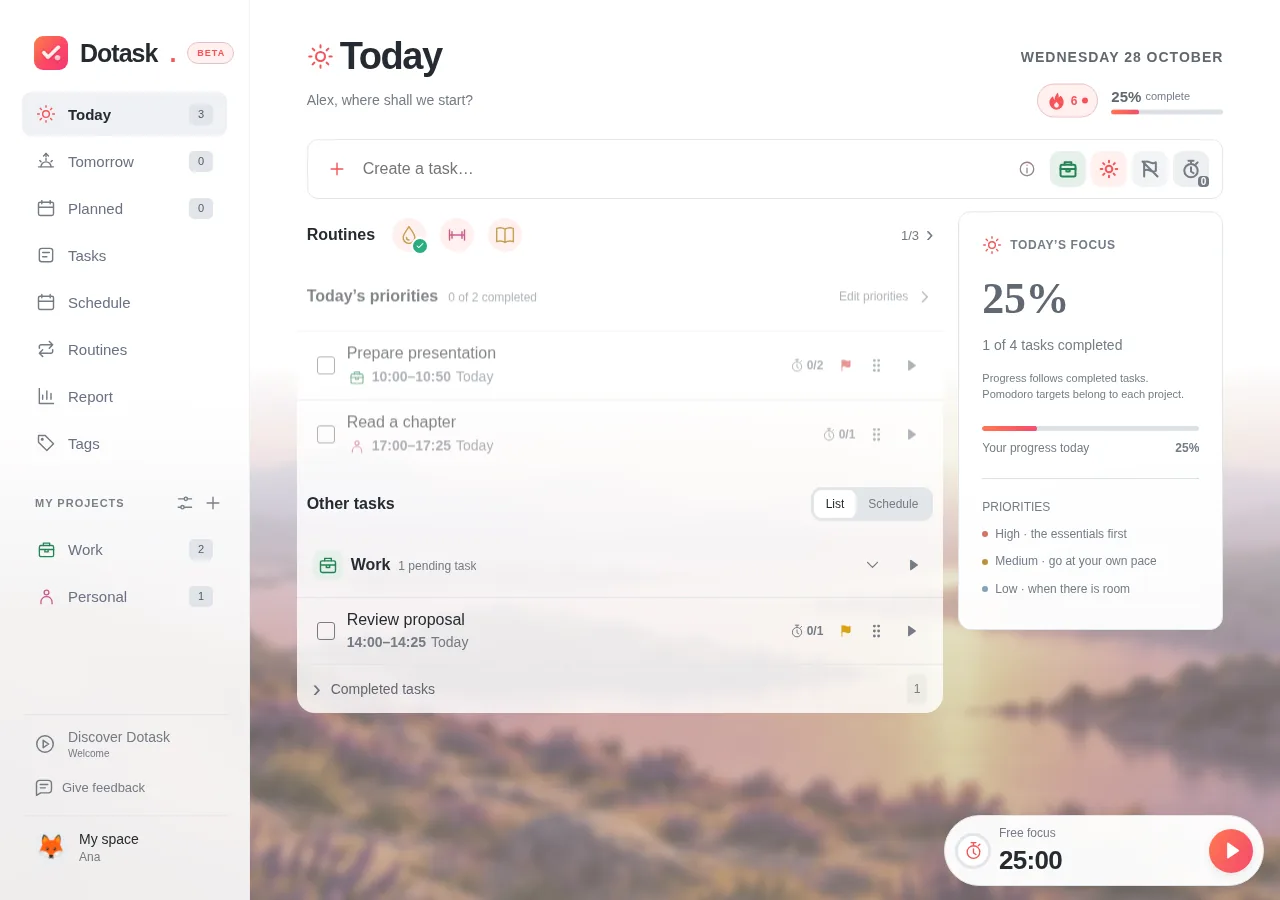
Keep work, study and personal life organised by context.
Keep work and personal life in one place, with projects and tags that help you find the context of each task.
Up to three tasks help guide your day without hiding the full list.
Choose up to three priorities in your daily review. Your full list remains available when you need to check the rest.
Dates, tags and estimates stay with the task.
Add a description, priority, date or Pomodoro estimate. You can edit a task from different app views.
Break a vague intention into actions you can start and finish.
Illustrative exampleRequest beta access and start with one task.
Request beta accessAccess by approval. Requesting access does not create an account.