
First, one task.
Create projects and routines when they make sense.
Choose your priorities, reserve time in your schedule and focus on one thing at a time. All in one place, at your own pace.
Beta access requires approval. Start with one task.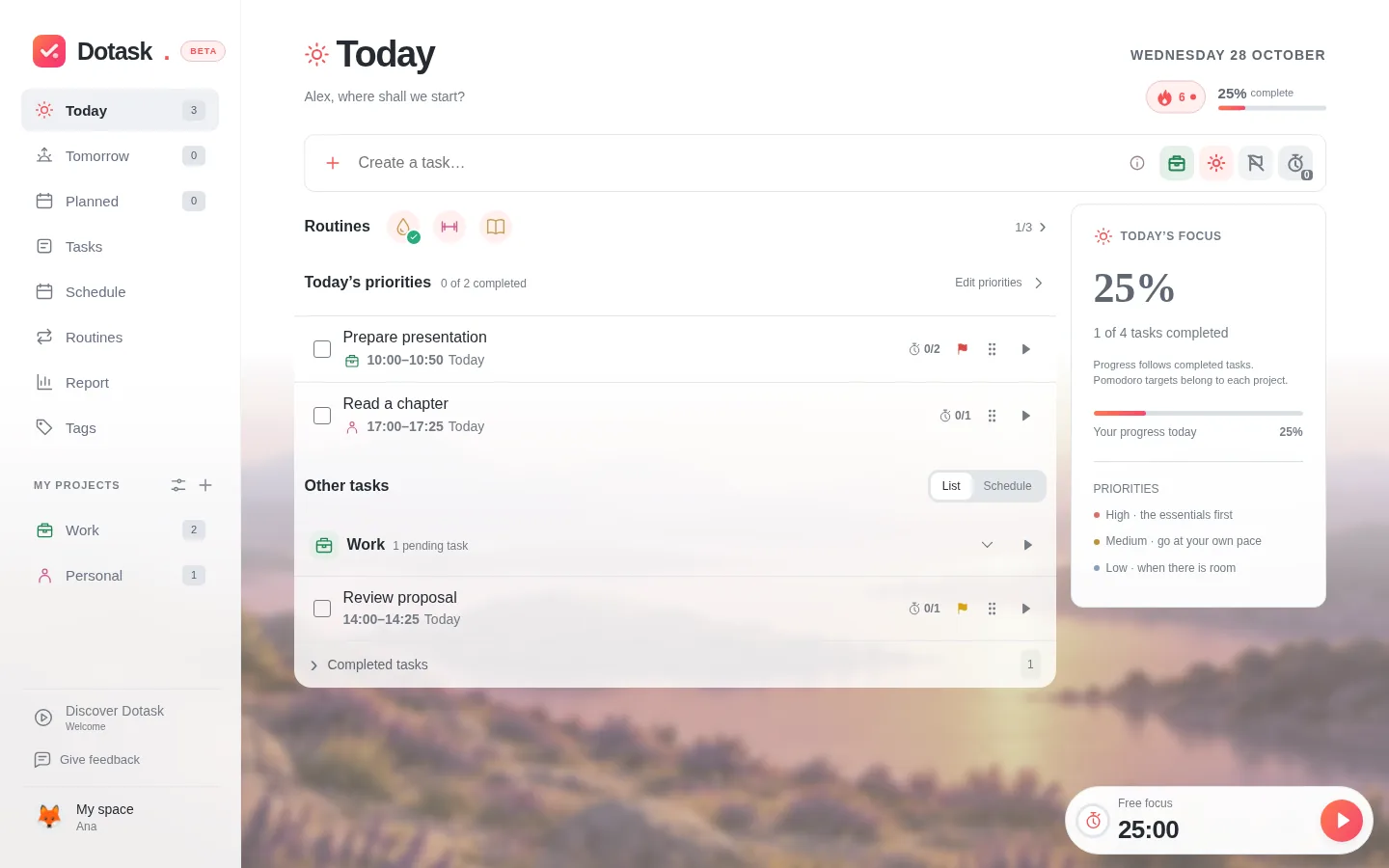
Three simple steps to organise your day and get started.
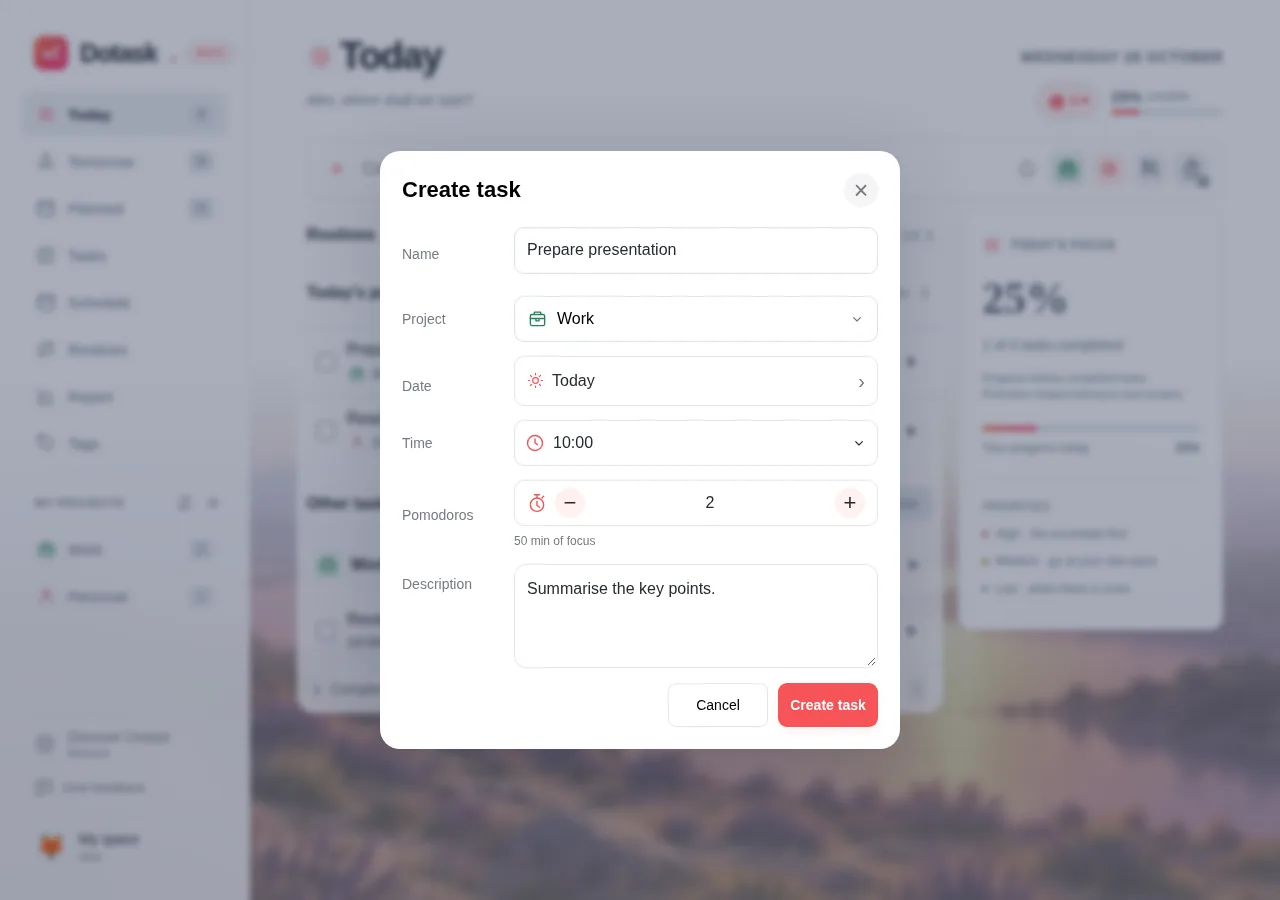
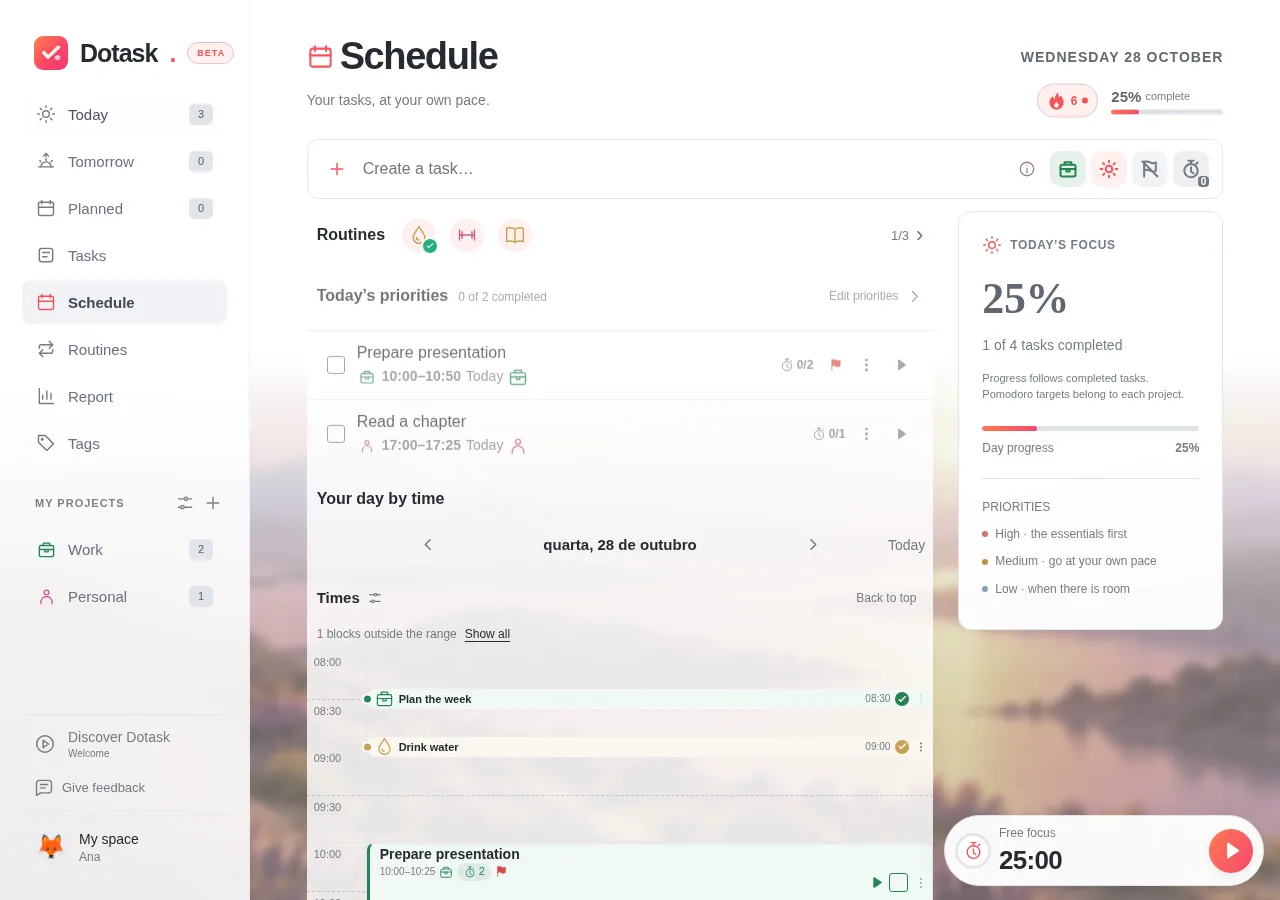
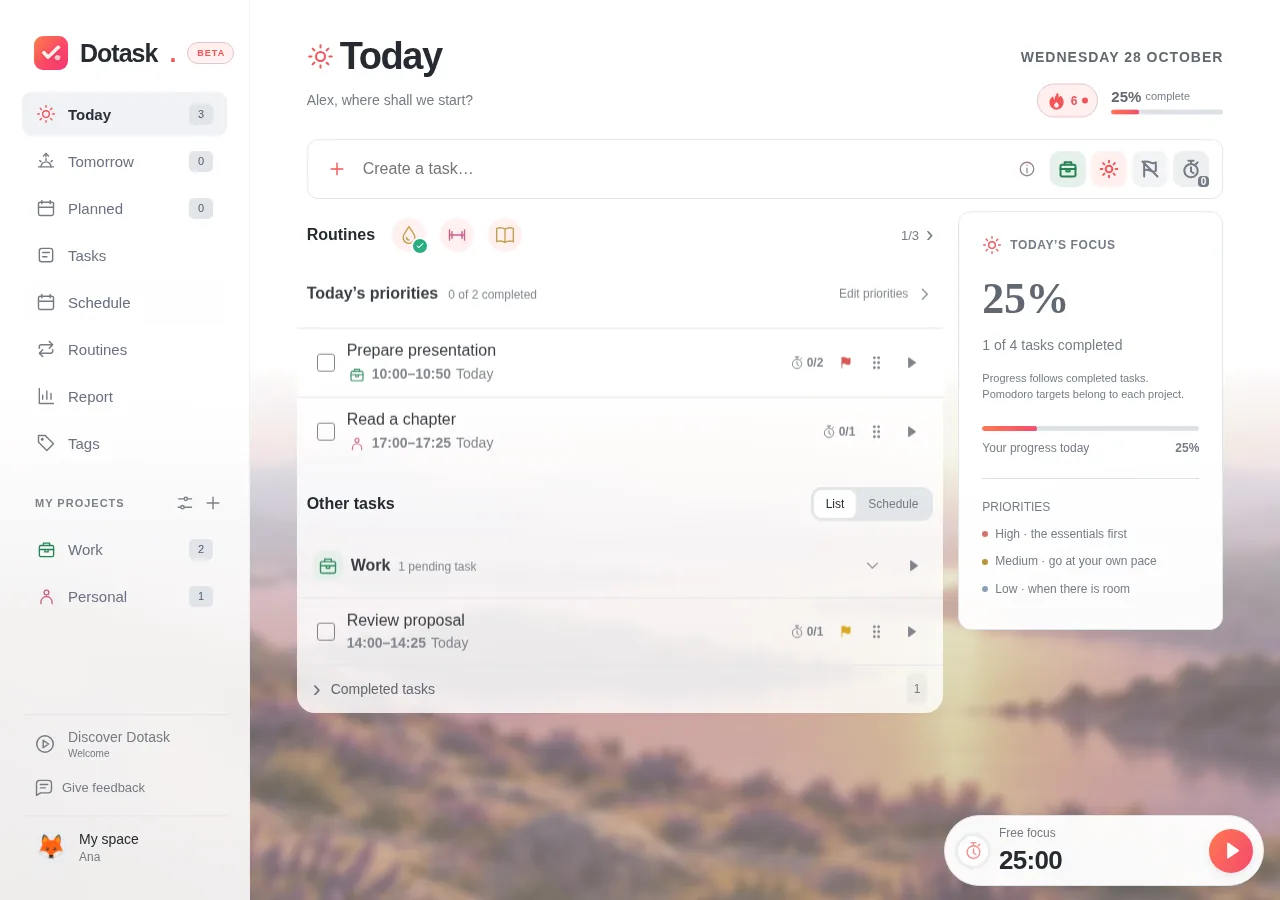
Tasks, time and habits you can follow together.
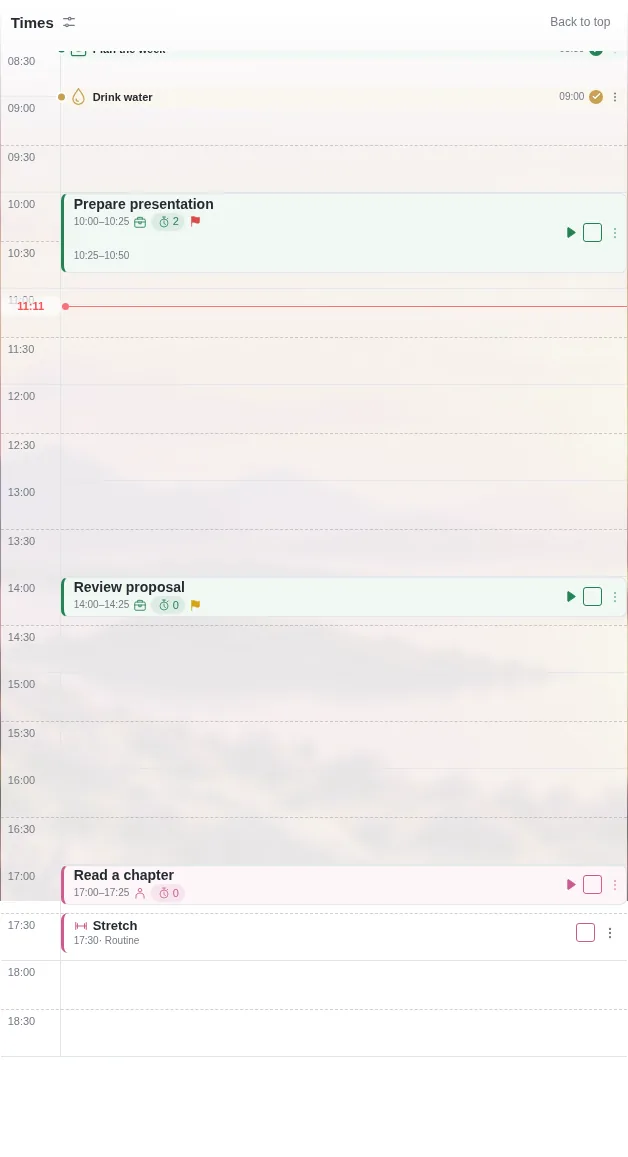
Actual app screenshots · demo dataReserve time for tasks and check the day’s meetings.
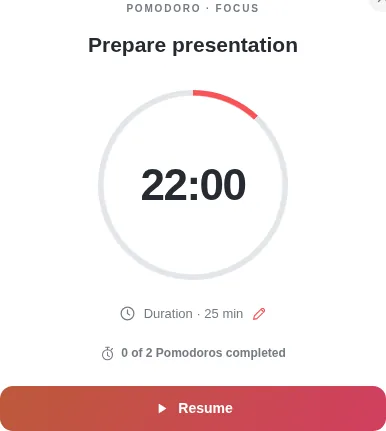
Keep the timer linked to the task you are working on.
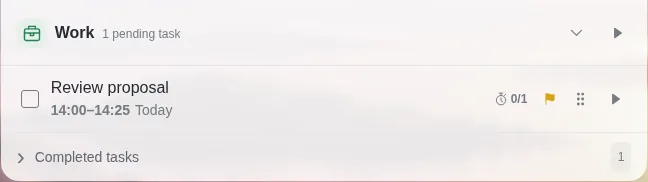
Organise a short list and set each task’s priority.
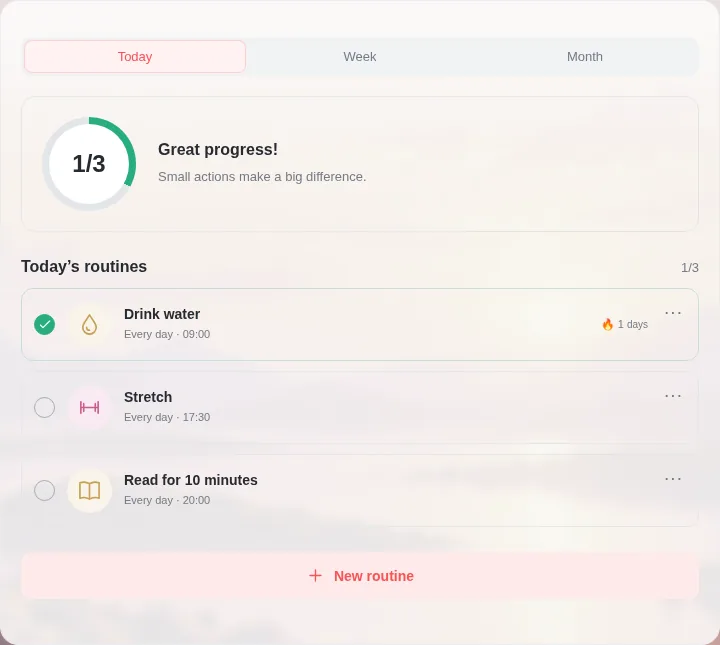
Mark what you completed and track routines throughout the week.
One task is enough to get started. The rest comes at your own pace.
Create projects and routines when they make sense.
Pick up on your computer or phone, always with the same account.
View, export and manage your data in the app.
Privacy PolicyA practical next step to simplify your day.
Submit your Google account email. Dotask’s owner reviews your request. Approval is manual and no automatic approval email is sent.
Return to the sign-in page and choose Continue with Google using the email from your request. The app checks whether that email has access. If it is pending, you do not need to submit it again.
Check accessYes. Dotask runs in your browser and can be installed on your phone. Your data belongs to your account, so you can continue on another device.
No. Start with one task. Add projects, time slots and routines when they help. The app is in development and may evolve during beta.
Read the Privacy Policy or write to hello@dotask.eu. In the app, you can export your data and manage your account.
Request beta access and start with one task.
Request beta accessAccess by approval. Requesting access does not create an account.