
Plan
Give tasks a time when they need space in your day.
Learn more about plan
Give a task a date and time and view it in Schedule. Keep unscheduled tasks in sight while you decide where they fit.
Check meetings, reserve time for tasks and keep unscheduled work in sight. Switch between your list and schedule without duplicating your plan.
Request beta access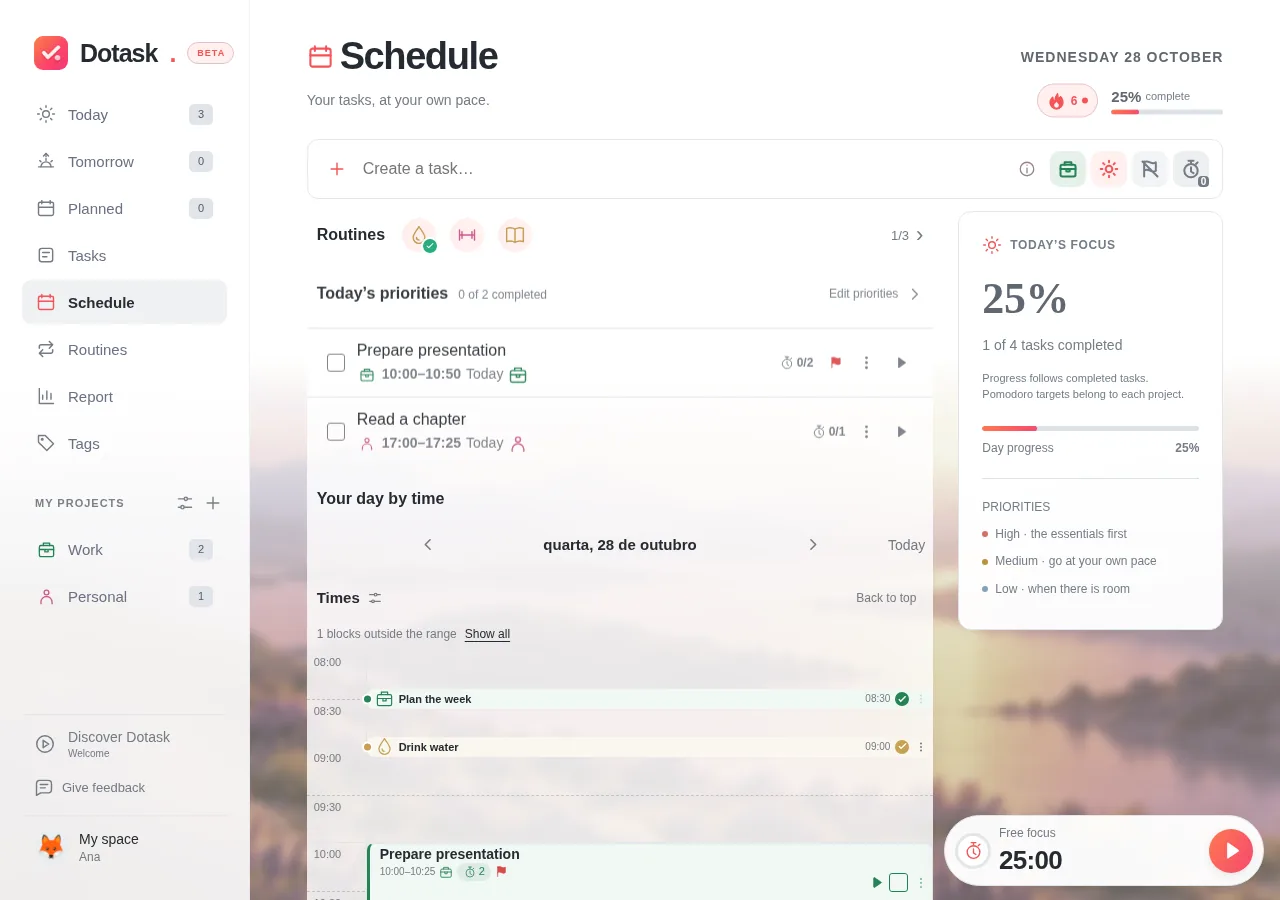
Give tasks a time when they need space in your day.
Give a task a date and time and view it in Schedule. Keep unscheduled tasks in sight while you decide where they fit.
See tasks and meetings together, without losing context.
Connect the calendars available to your account so appointments are visible while you plan work. Connections require setup and authorisation.
Compare your plan with the focus sessions you completed.
Focus records help you compare your plan with the time you actually spent. A Pomodoro completed after the visible limit extends that day’s schedule.
Reserve time for the proposal, take a break and leave room before the meeting.
Illustrative exampleRequest beta access and start with one task.
Request beta accessAccess by approval. Requesting access does not create an account.